Migrating Supabase
Migrating Supabase
Supabase
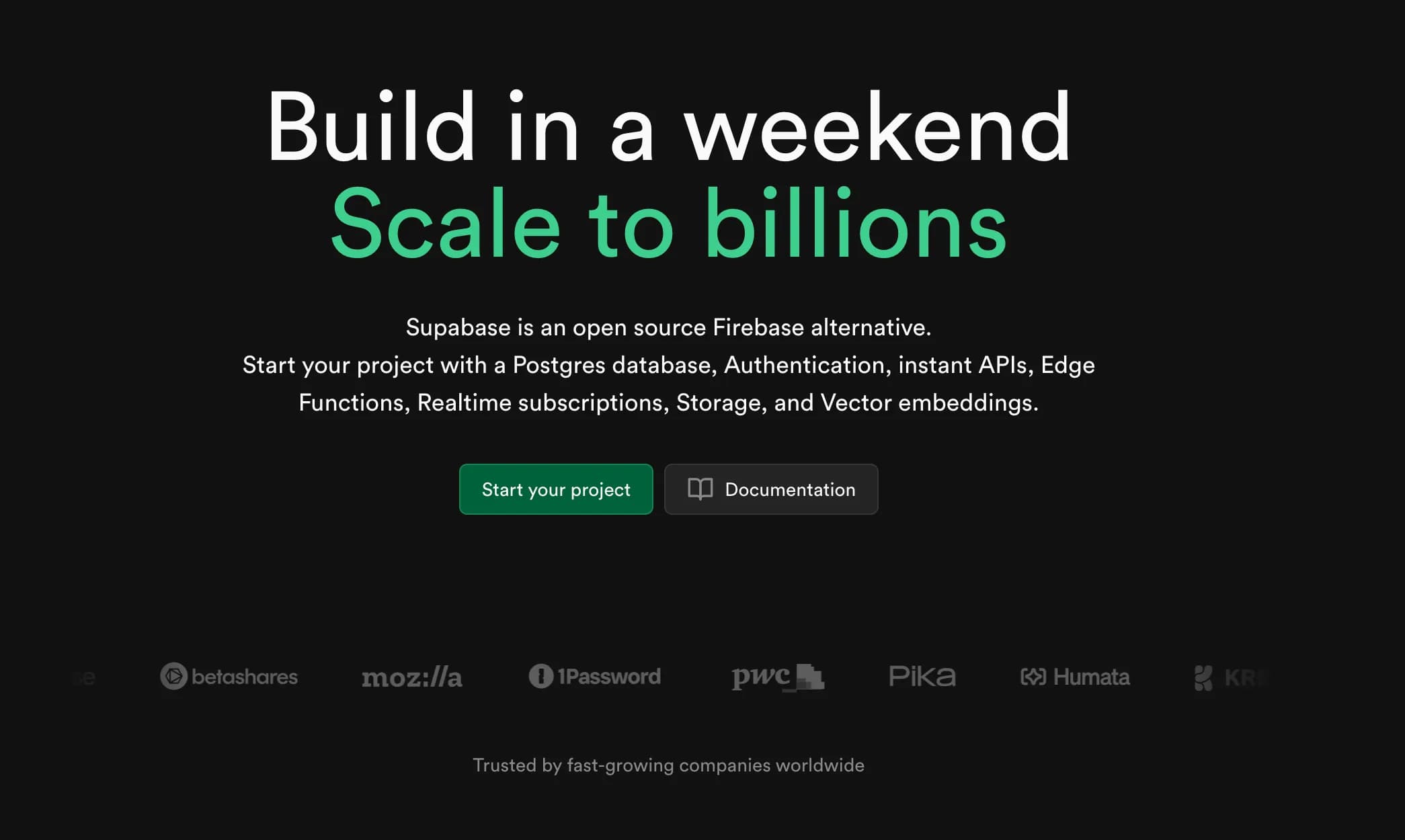

Supabase is an open-source backend service that helps developers easily build a complete backend. It is essentially a BaaS (Backend as a Service). Supabase is based on a PostgreSQL database and provides features such as real-time databases, authentication, storage, and automatic generation of RESTful APIs.
The main features are as follows:
- Database: A scalable relational database based on PostgreSQL.
- Real-time Features: The ability to synchronize and update data in real-time from the database.
- Authentication: A user authentication and authorization management system (can integrate with external login services like GitHub, Google, Facebook, etc.).
- Storage: The ability to store and manage files such as images and videos.
- Automatically Generated APIs: Automatically generates RESTful APIs and GraphQL based on the PostgreSQL schema.
Supabase offers similar functionalities to Firebase and is widely used by developers who need integration with PostgreSQL.
Why Self-Hosting?
Currently, we are using Supabase when we need simple CRUD functionalities without requiring a full-fledged backend application.
We also utilized Supabase for handling blog view counts. While it is great for quickly setting up a backend, there are a few drawbacks.
- Only two projects are free.
- If the dashboard is not visited for a week (not managed), the project will be paused.
It is challenging to manage all projects weekly, and if forgotten, the project gets paused, requiring reactivation, which can be cumbersome.
Thus, we decided to self-host using Docker.
Self-Hosting
The official documentation explains how to self-host using Docker.
This post will not cover the process in detail. (It is a simple process of modifying the env through a docker-compose file and running it.)
Migrating PostgreSQL
Backing Up with pg_dump
Once the basic self-hosted Supabase is set up, it's time to replace the contents.
Since Supabase uses PostgreSQL internally, we can proceed with the migration using pg_dump and psql.
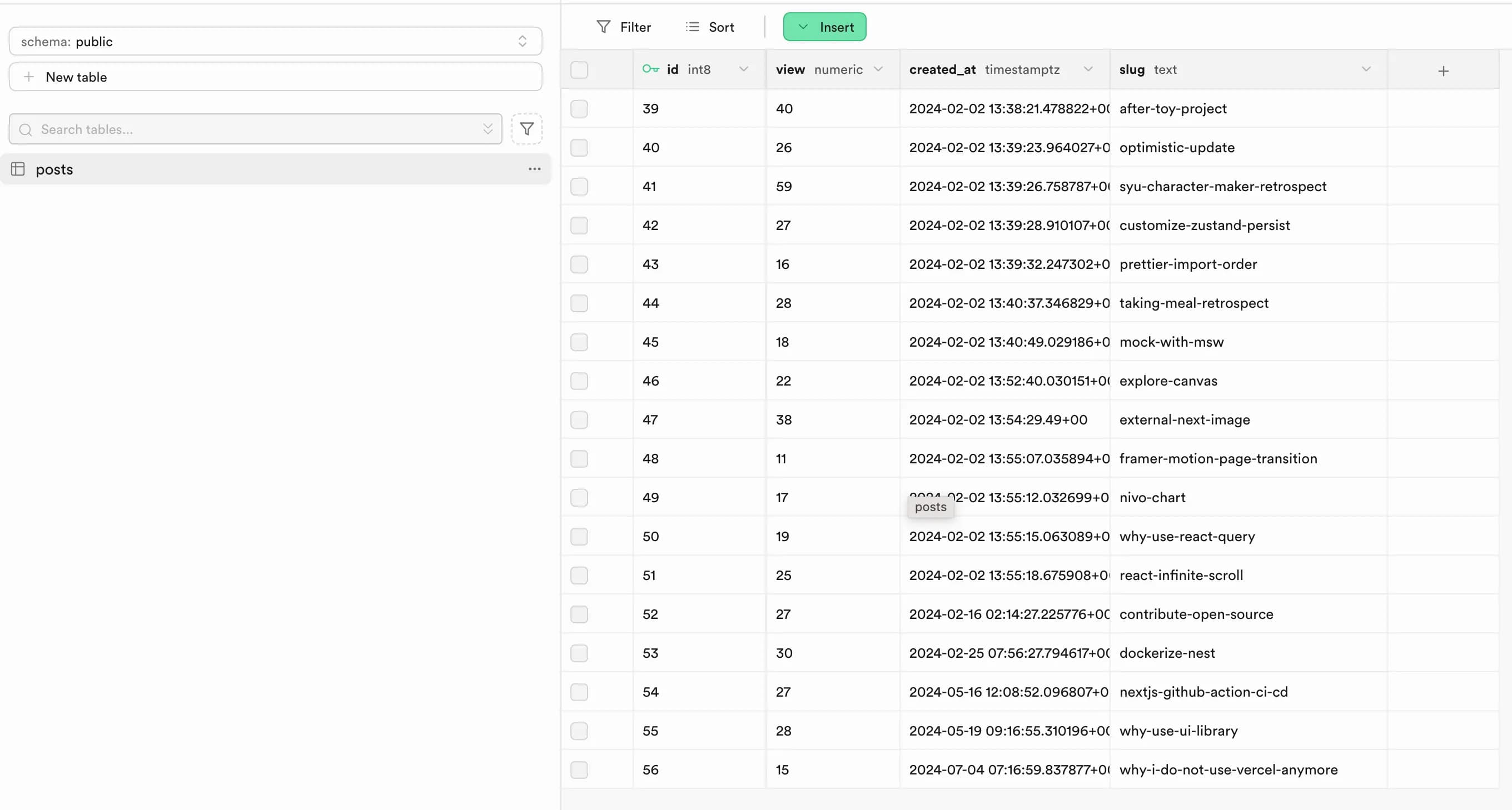

The current blog view count table looks like this.
To back up this data from the existing Supabase database, we will use pg_dump. The PostgreSQL information used here can be found in Supabase's project settings > database.
sudo apt-get install postgresql-15
pg_dump postgresql://[YOUR_USER]:[YOUR-PASSWORD]@[YOUR_HOST]:[YOUR_PORT]/postgres > database-dump.sql
If everything goes smoothly, you can proceed to the next step. However, if you cannot install PostgreSQL 15 due to Ubuntu version 20.04, you can follow these steps to install it and then proceed.
- Add the PostgreSQL official repository
The latest version of PostgreSQL is not included in Ubuntu's default repository, so you need to add the PostgreSQL official repository.
sudo sh -c 'echo "deb http://apt.postgresql.org/pub/repos/apt/ $(lsb_release -cs)-pgdg main" > /etc/apt/sources.list.d/pgdg.list'- Add the GPG key for the PostgreSQL repository
Add the GPG key to verify the integrity of the PostgreSQL packages.
wget --quiet -O - https://www.postgresql.org/media/keys/ACCC4CF8.asc | sudo apt-key add -- Update the package list
After adding the PostgreSQL official repository, update the package list.
sudo apt-get update- Install PostgreSQL 15
Now you can install PostgreSQL 15.
sudo apt-get install postgresql-15Applying Backup with psql
If the backup data has been successfully created, a file named database-dump.sql should have been generated.
To apply this backup, you need to run psql inside the Docker container of the self-hosted PostgreSQL.
Use a command like docker ps to find the ID of the container, then transfer the backup file to the Docker container.
docker cp /path/to/database-dump.sql [CONTAINER_ID]:/path/in/container/Next, access the container.
docker exec -it [CONTAINER_ID] bashNow, execute the psql command at the location of the transferred backup file.
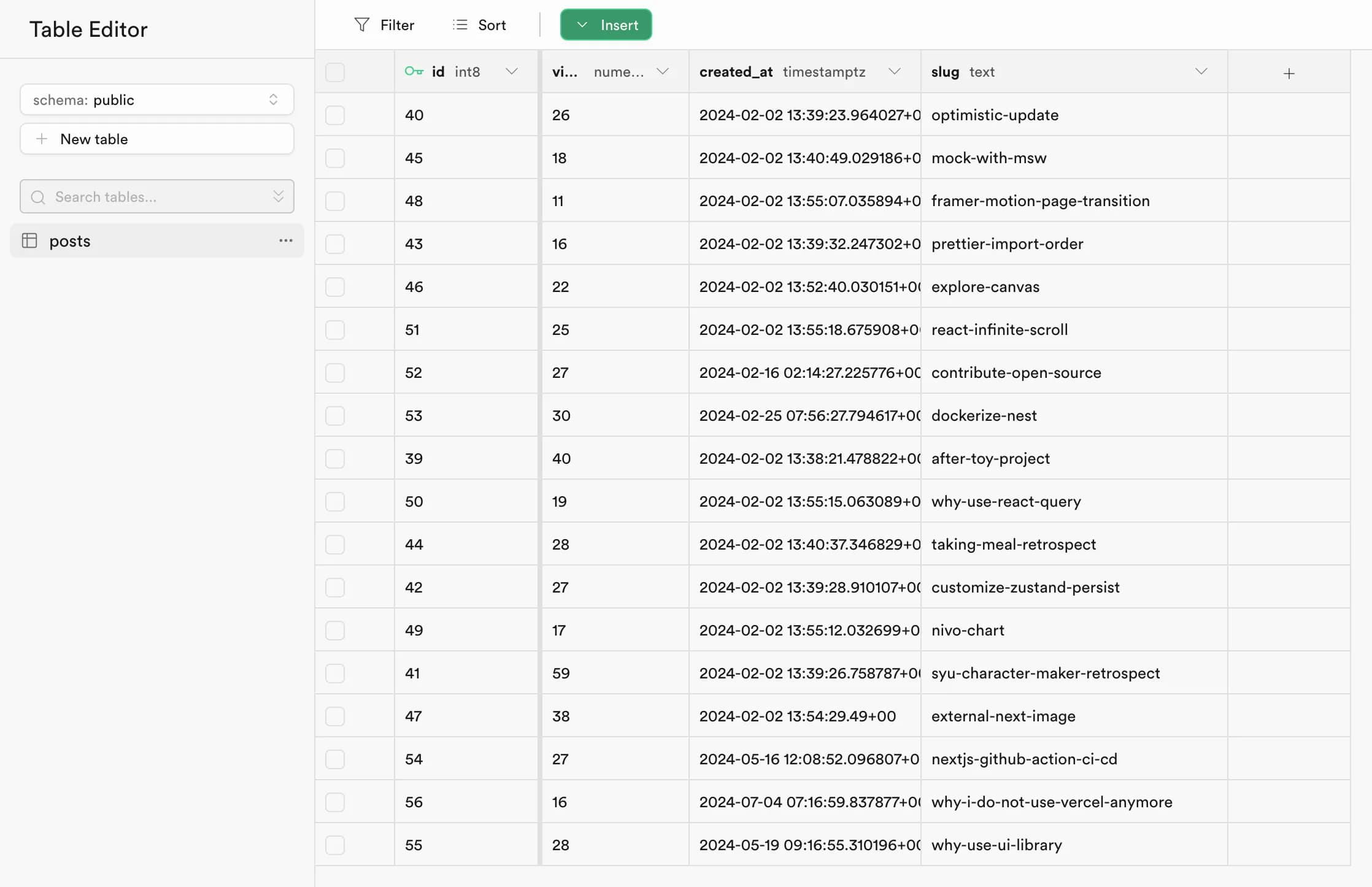
psql -U [YOUR_USER] -d postgres -f database-dump.sqlIf everything was processed correctly, you can check the self-hosted Supabase GUI to see that it has been applied successfully.

Conclusion
Due to the two drawbacks mentioned earlier, we opted for self-hosting, but self-hosting also has the disadvantage of not being able to manage multiple projects (there is no organization).
If you only need to use a database, it might be better to host just PostgreSQL and use an ORM like Prisma.
However, the other powerful features and the built-in GUI provided by Supabase are still available in self-hosting, so I believe I will continue to use it for convenience.
References
https://supabase.com/docs/guides/self-hosting/docker
https://ironeko.com/posts/creating-a-local-backup-of-a-supabase-database